
The temporary status is a status with a plannable duration that can be set by the user. Nothing can overwrite the temporary status.
Do this to set a temporary status:
-
Go to Settings.
-
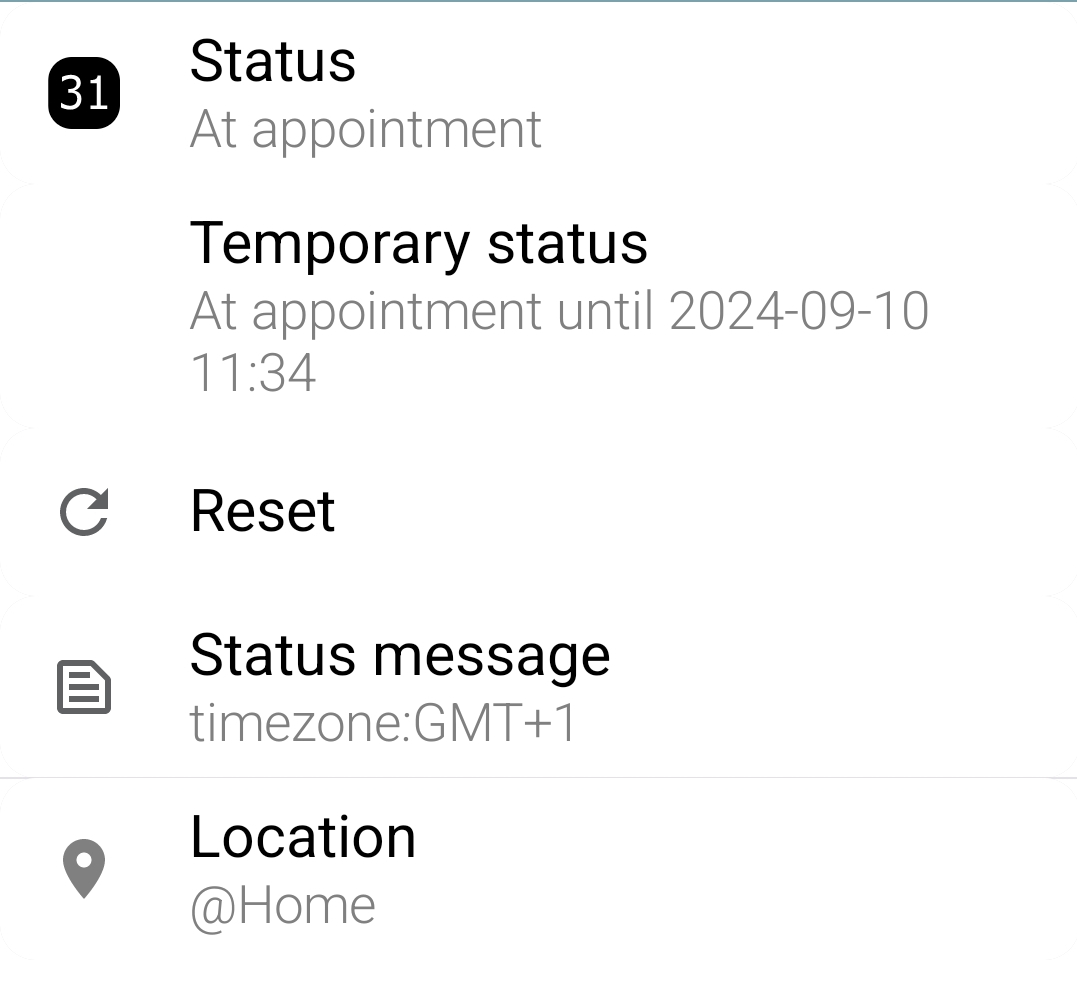
Go to Status
-
Press ‘Temporary status’.
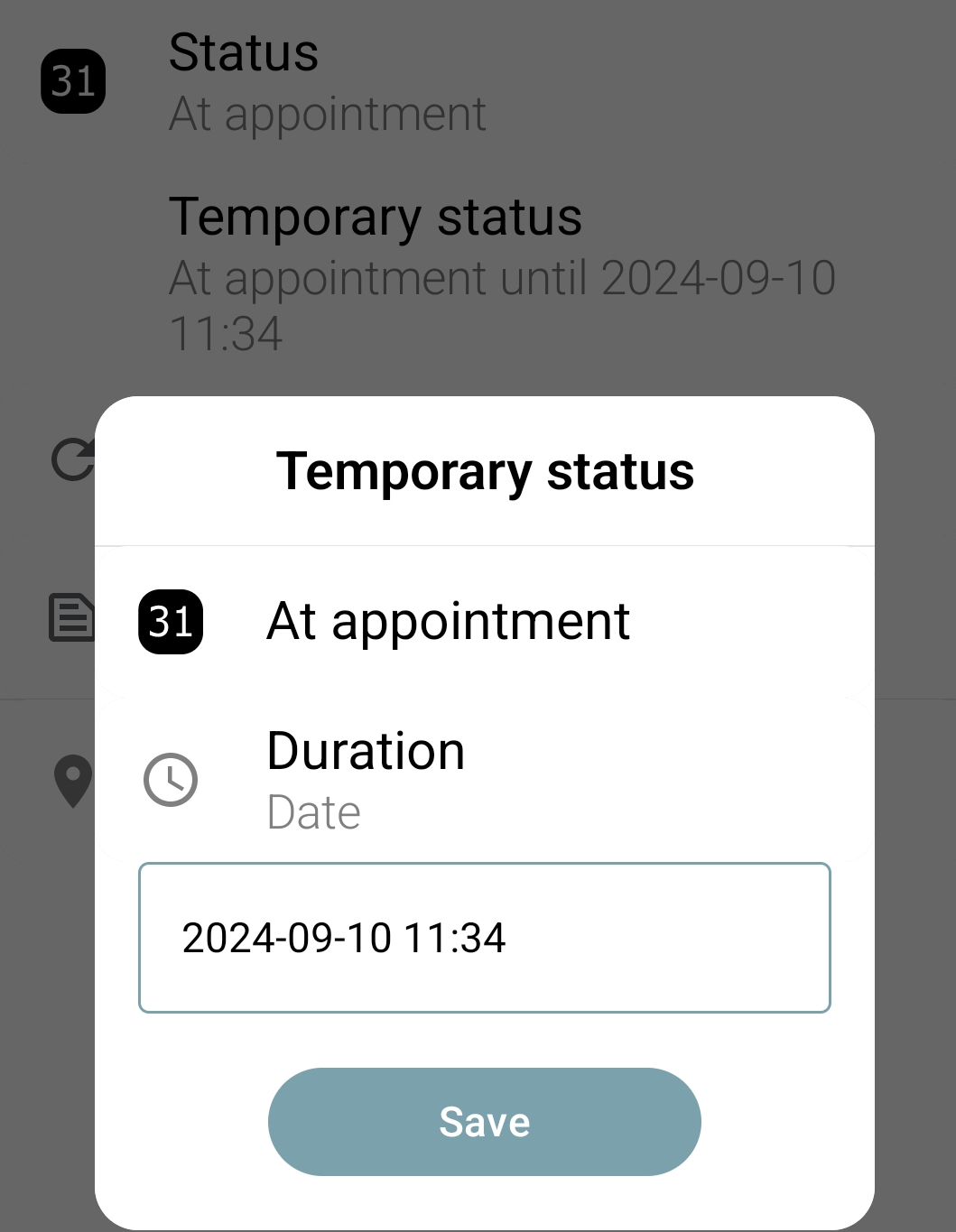
A popup opens.
-
Click the status field.
A menu expands. -
Select the status you want.
-
Press the Duration field.
A menu expands. -
Select the duration you want or set a custom date and time.
This sets your status until the end of the time you have chosen. It will not be changed by anything in the mean time.